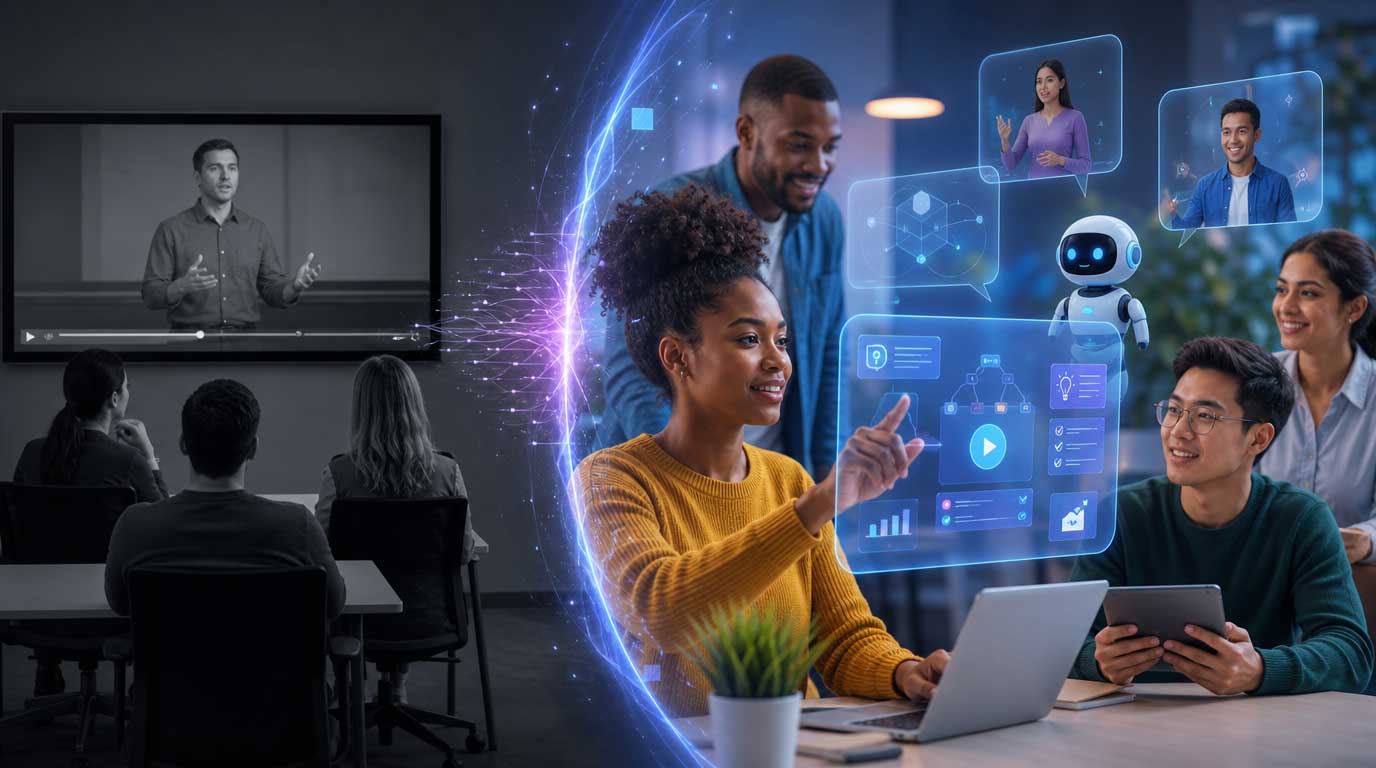
For twenty years, a training video meant the same thing: someone hits play, watches for eight minutes, and either absorbs the material or doesn't. There was no way to ask a follow-up question. No way to skip ahead if you already knew the content, or slow down if you didn't. The video played the same way for every employee, every time.
That's starting to change, and it matters for anyone running L&D or corporate comms at a mid-sized company.
What "Interactive Ai Video" Actually Means
Interactive AI presenters combine a realistic avatar with a language model underneath it. Instead of a fixed script running start to finish, the presenter can respond to a viewer's question, branch into a different explanation, or skip material the employee has already mastered. It behaves less like a video and more like a conversation with someone who happens to be available at 2am on a Tuesday.
For training and onboarding specifically, this solves a problem that's existed as long as corporate video has: one video, made once, has to work for every employee regardless of role, tenure, or learning style. An interactive presenter can adjust for all three without a re-shoot.
Where This Actually Helps (And Where It Doesn't)
It's worth being honest about where interactive AI video earns its place, because not every use case needs it.
Strong fit:
- Compliance and policy training, where employees often have specific questions that a static video can't anticipate
- Product knowledge and technical onboarding, where depth varies wildly by role
- IT and systems walkthroughs, where "wait, where do I click" is the most common failure point
Weaker fit:
- Leadership messaging and culture communication, where the point is a human voice speaking directly to the team, not a Q&A interface
- Anything where the emotional register matters more than the information transfer
That second category is worth sitting with. An interactive AI presenter is a knowledge tool. It is not a substitute for a CEO looking people in the eye, even a digital version of that CEO's eye. Companies that blur this line tend to get pushback, and rightly so.
The Production Shift This Creates
Building an interactive presenter is a different kind of project than producing a video. A traditional training video is written, shot, and finished. An interactive presenter is more like building a small application: you need a knowledge base for the model to draw from, guardrails on what it can and cannot say, and a review process for how it handles questions nobody scripted for.
This is where a lot of internal teams get stuck. Marketing and L&D departments are used to producing videos. They are not typically set up to manage a live AI system that needs monitoring, updates, and a documented escalation path when it gets something wrong. That's not a criticism, it's just a different skill set, closer to product management than video production.
Questions Worth Asking Before You Build One
Before greenlighting an interactive AI presenter project, a few questions tend to separate a good pilot from a stalled one:
- What's the actual failure mode if the AI gives a wrong answer? For a benefits FAQ, low stakes. For safety procedures, much higher.
- Who owns the knowledge base once it's live? Someone needs to keep it current, and that person needs to be named, not assumed.
- Does this need a human avatar of a real employee, or is a generic presenter fine? That decision changes the legal and production requirements significantly.
- How will employees know they're talking to AI? Disclosure isn't optional, and building it in from the start avoids a much harder conversation later.
A Note On Trust
Interactive AI video tends to raise the authenticity question faster than static AI video does, because the interaction itself feels more like talking to a person. Companies that get ahead of this by disclosing AI use clearly, and by keeping a real human accountable for the content, tend to see less resistance from employees than companies that try to make the AI presenter feel indistinguishable from a person. Transparency isn't a compliance checkbox here. It's what makes the tool trustworthy enough to actually use.
Where This Is Heading
Interactive presenters are moving from customer-facing use cases (support, sales) into internal ones (onboarding, training, HR) at a noticeable pace. For a mid-sized company deciding whether this is worth exploring now or waiting a cycle, the honest answer depends less on the technology and more on the use case. A company with high employee question-volume around a specific process, like a complex benefits enrollment or a technical certification, will get value out of this quickly. A company mainly looking to modernize a leadership announcement video probably doesn't need it yet.
Key Takeaways
- Interactive AI presenters work best for information-heavy, question-driven content, not for emotionally-led leadership communication.
- Treat it as a small software project, not a video shoot. Someone needs to own the knowledge base long-term.
- Disclosure and human accountability aren't optional extras. They're the reason employees will trust the tool at all.
- Start with one high-question-volume use case rather than trying to interactivize your entire training library at once.
If your team is weighing whether an interactive presenter or a traditional AI-assisted training video is the right first step, that decision is worth making deliberately, not by default. If you want help building a live avatar, contact us and we can help.